
Download Light Pad – web development, code editor, syntax highlighting, document templates, browser preview, programming tool
Overview
Light Pad is a lightweight mobile application designed to support webmasters and developers in managing their coding tasks on the go. Developed specifically for the Android platform, this tool offers a streamlined environment for writing and previewing code directly from a smartphone or tablet. The app addresses the growing need for portable development tools that enable real-time editing, testing, and iteration without requiring a full desktop setup. Its core purpose is to empower developers to work efficiently across multiple programming languages while maintaining a clean, focused interface.
Target users include web developers, front-end engineers, and freelance coders who need a reliable, on-the-move solution for writing HTML, CSS, JavaScript, PHP, and Perl. The app is particularly useful for quick edits, debugging, or reviewing code during breaks or remote work sessions. Given its release in 2012, Light Pad was among early mobile solutions aimed at bridging the gap between mobile convenience and coding functionality. Although the developer did not provide additional technical details about its architecture or long-term roadmap, its continued availability suggests a stable, functional foundation.
Within the mobile app ecosystem, Light Pad occupies a niche role as a dedicated code editor. It supports essential workflows such as syntax recognition, template-based project initiation, and real-time browser previews—features that were relatively advanced for mobile platforms at the time of its release. While modern alternatives have since expanded in scope, Light Pad remains a testament to early mobile development innovation.
Key Features & Functionality
- Multi-language Support: Light Pad accommodates key web development languages including HTML, CSS, JavaScript, PHP, and Perl. This allows developers to switch between projects without needing multiple tools, enhancing workflow consistency across different environments.
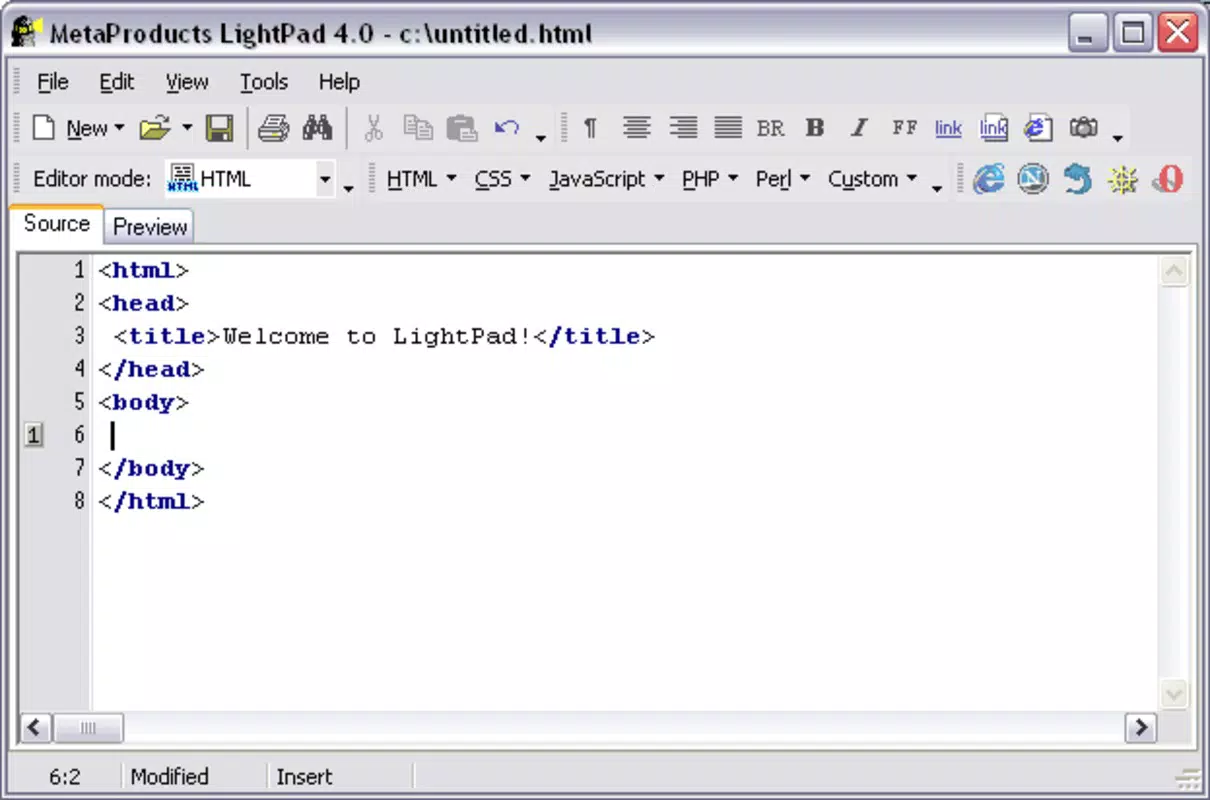
- Syntax Highlighting: The application implements syntax highlighting to distinguish keywords, strings, comments, and other code elements. This visual differentiation improves readability and reduces the likelihood of syntax errors, especially in complex scripts.
- Document Templates: Users can create new files using predefined templates, which eliminates the need to manually structure basic code files. This feature accelerates project setup and ensures adherence to standard formatting practices.
- Browser Preview Support: One of Light Pad’s standout capabilities is its ability to render documents in any external browser of the user’s choice. This enables real-time testing across different environments, helping developers verify layout, responsiveness, and functionality without switching devices.
- Cross-browser Detection: The app detects and supports major browsers such as MS Internet Explorer, Netscape Navigator, Opera, and Mozilla. This compatibility assists developers in ensuring their code functions correctly across diverse user platforms.
For example, a webmaster can use Light Pad to write a responsive HTML layout, apply CSS styles, and immediately preview changes in Chrome or Firefox. Similarly, a developer working on a PHP script can test dynamic content output in real time, adjusting logic based on visual feedback. These use cases demonstrate how the app enhances productivity by integrating editing and testing within a single mobile interface.
Interface, UX & Performance
Light Pad presents a minimalistic interface optimized for mobile screens, focusing on core coding tasks without unnecessary distractions. The layout prioritizes the text editor, with clearly labeled menus for file management, language selection, and preview options. Navigation is straightforward, relying on intuitive gestures and menu-driven access, which contributes to a smooth user experience.
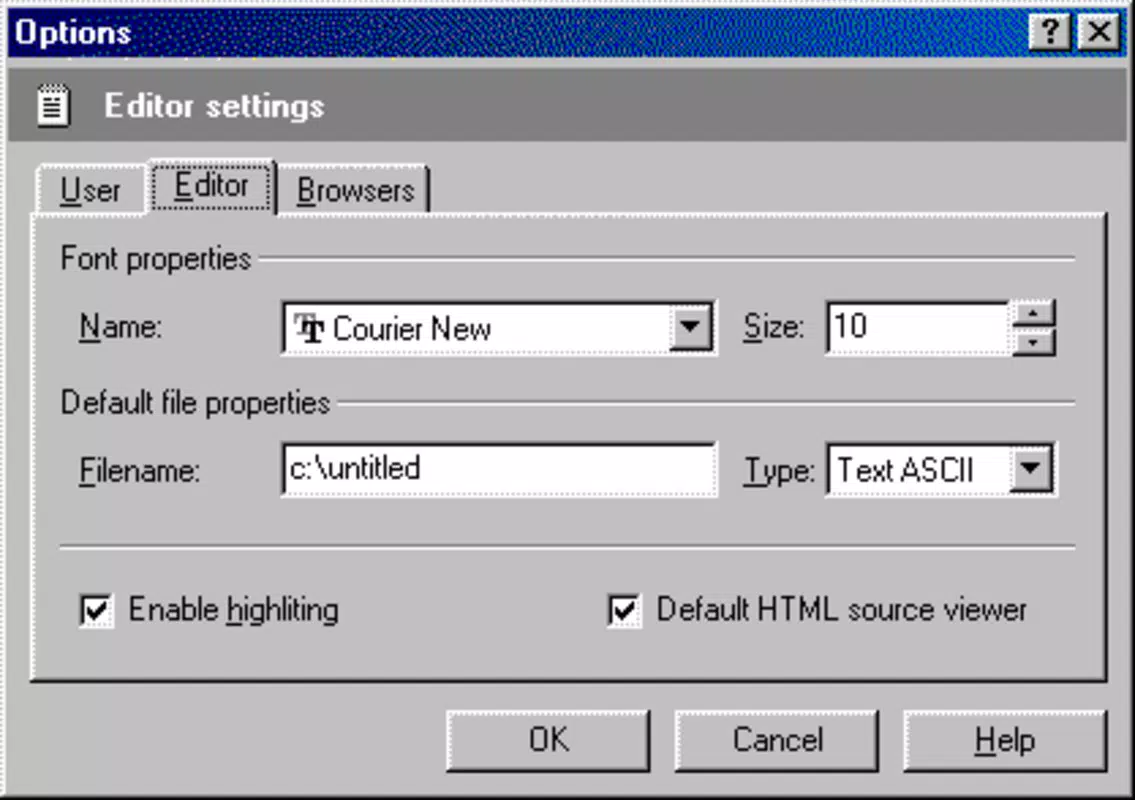
The visual style emphasizes readability, using a clean font and high-contrast syntax coloring that enhances code visibility even under bright lighting conditions. Although the developer did not list formal performance metrics, the app’s small file size of 2.5 MB suggests efficient resource usage. This makes it suitable for older or low-spec Android devices, where performance and memory consumption are critical concerns.
Responsiveness is consistent across different screen sizes, allowing users to work comfortably on both smartphones and tablets. Stability appears to be maintained over time, given the app’s long-standing presence on the platform. However, compatibility with newer Android versions has not been confirmed, and the developer did not specify minimum OS requirements. Despite this, the app functions reliably for basic coding operations.
Platform Compatibility & Technical Requirements
Light Pad is available exclusively on the Android platform. The current version is 1.0, with a file size of 2.5 MB, indicating a lightweight footprint ideal for mobile deployment. The app is offered free of charge, making it accessible to developers across various budget levels.
While the developer did not specify minimum OS requirements, the app’s release date of March 15, 2012, suggests it was initially designed for early Android versions. Users on modern Android systems may encounter compatibility issues, particularly with newer security policies or API changes. However, the app’s continued availability implies it remains functional on many current devices, though this cannot be guaranteed without further testing.
Given the lack of updated information, users are advised to test the app on their specific device to confirm functionality. No additional technical specifications, such as RAM or processor requirements, were provided by the developer.
Pros and Cons
Pros
- Free to download and use, making it accessible for budget-conscious developers.
- Compact file size (2.5 MB) ensures quick installation and minimal storage usage.
- Supports multiple programming languages essential for web development.
- Includes syntax highlighting to improve code readability and reduce errors.
- Offers browser preview functionality for real-time testing and iteration.
- Provides document templates to accelerate project setup.
Cons
- Version 1.0 suggests limited updates or ongoing development.
- Specific compatibility details with modern Android versions were not disclosed.
- Limited interface customization options may restrict advanced user preferences.
- No support for file synchronization or cloud backup features.
- May lack support for newer coding standards or frameworks introduced after 2012.
FAQ
Is Light Pad safe to download and install?
Yes, Light Pad is available through official Android channels and has been used by developers since 2012. As with any app, users should ensure they download from trusted sources to maintain security.
Can I use Light Pad on iOS devices?
No, Light Pad is currently only available for Android. There is no official iOS version released by the developer.
Does Light Pad support modern web standards like HTML5 and CSS3?
While the app supports HTML and CSS, the developer did not specify whether it includes full support for modern features such as HTML5 and CSS3. Users should test these features directly within the app.
How often is Light Pad updated?
The app’s current version is 1.0, released in 2012. No update history or release notes were provided by the developer, suggesting minimal or no active development.
Can I export or share my code from Light Pad?
Basic file operations such as saving and opening are supported. However, specific export or sharing mechanisms were not detailed in the provided information.
Final Thoughts
Light Pad stands as a pioneering mobile tool in the realm of web development, offering essential features like syntax highlighting, multi-language support, and browser preview in a compact, free package. While its age is evident in the lack of modern updates and advanced integrations, it remains a viable option for developers seeking a no-frills, on-the-go code editor. Its simplicity, low resource usage, and core functionality make it particularly valuable for quick edits, learning, or working in low-bandwidth environments.
For webmasters and developers who prioritize portability and basic coding efficiency, Light Pad delivers real value. Though it may not match the capabilities of contemporary desktop IDEs, it fills a unique gap in the mobile development space. If you're looking for a lightweight, free, and functional code editor for Android, Light Pad is worth considering.
Download Light Pad now


